
App Development Company in Orlando
OzoPro provides app development in Orlando for businesses that need a clear path from idea to working product. We plan, design and develop iOS, Android, Flutter and custom mobile applications, with UI/UX, backend integrations, testing, launch preparation and post-launch support shaped around the actual product requirements.
We start with the users, the main task the app needs to solve and the features that belong in the first release. That keeps platform, scope and integration decisions tied to the product instead of forcing every project into the same framework.
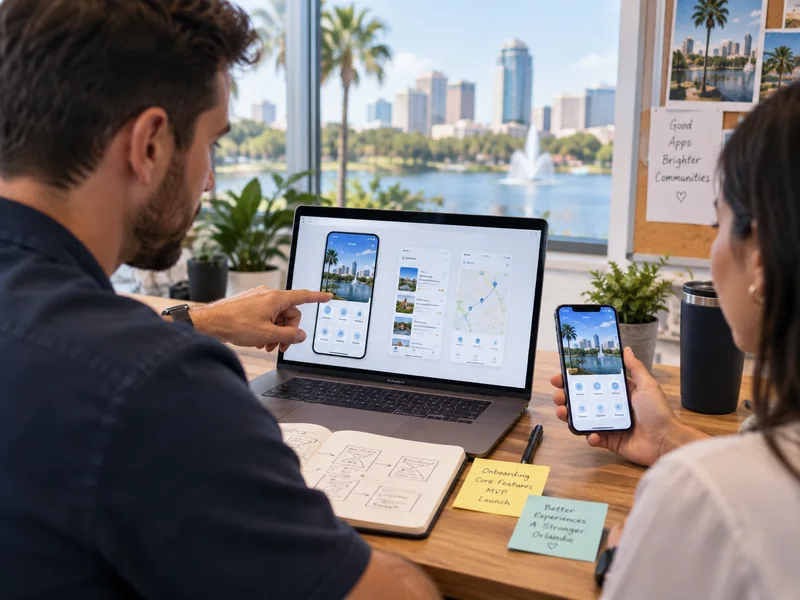

What Does an App Development Company Handle?
An app development company can take a product from initial requirements through design, development, testing and release. The technical build is only one part of the job. A good development process also reduces uncertainty before code is written and gives the business a clear plan for what happens after launch.
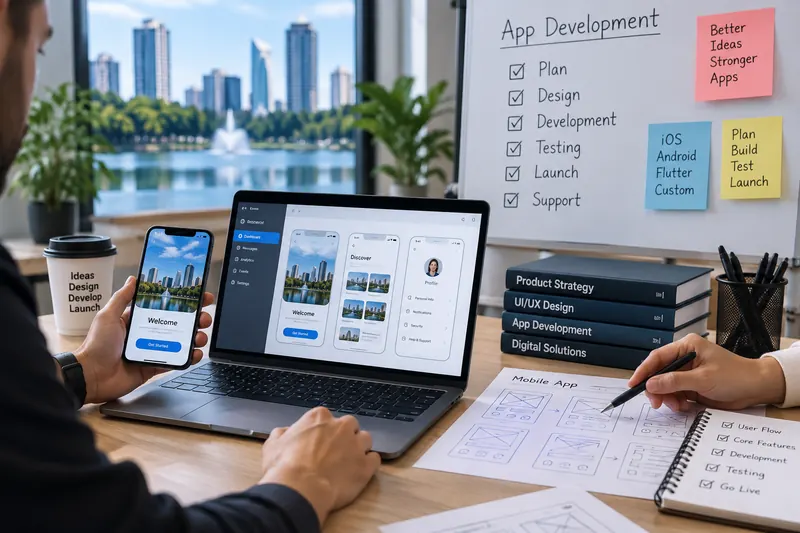
Development Support Around What the Product Actually Needs
OzoPro supports projects ranging from focused first releases to applications with multiple user roles, custom workflows and third-party integrations. The service mix follows the product requirements rather than a fixed technology package.
Custom App Development
Plan and build product workflows that off-the-shelf software cannot handle cleanly, including accounts, booking, dashboards, payments, notifications and proprietary processes.
Mobile App Development
Build customer-facing applications, internal tools and mobile products that need to work across iPhone, Android or both, with backend and release requirements planned alongside the interface.
iOS App Development
Support Apple-first products with product flows, native iOS development, account functionality, API integrations, testing, App Store preparation and ongoing updates.
See the iOS option →Android App Development
Plan for Android devices, screen sizes and operating environments while keeping backend requirements, integrations, testing and future compatibility in scope.
See the Android option →Flutter App Development
Use a shared cross-platform architecture when the product needs iOS and Android coverage and the feature set, integrations and roadmap are a sensible fit for Flutter.
See the Flutter option →UI/UX Design & Prototyping
Use wireframes and interactive prototypes to define navigation, screen hierarchy, calls to action, forms, product states, error handling and account flows before development becomes expensive to change.
Backend & API Integrations
Plan authentication, databases, business APIs, CRM connections, payments, notifications, ecommerce systems, location data and admin controls alongside the mobile experience.
Testing, Launch & Support
Test critical user journeys across the devices and conditions the product is expected to support, prepare store releases and continue with compatibility updates, fixes and planned improvements after launch.
For a broader view of planning, platforms and post-launch support, see our app development capabilities.
We can review the users, core workflow, integrations and first-release requirements before a technical direction is locked in.
iOS, Android or Flutter: Which Approach Fits the Product?
There is no single platform choice that works for every app. The decision should come from the audience, product requirements, budget, integrations and future roadmap.
Apple-First Experience
Often makes sense when Apple users are the main audience or iOS-specific functionality matters. The key question is whether the product benefits from a dedicated Apple-first experience.
Android-Specific Requirements
Often makes sense when Android users, device coverage or Android-specific requirements are the priority. Device and operating conditions need to be clear before development starts.
Shared Cross-Platform Build
Can work well when one product needs iOS and Android coverage and the features fit a shared architecture. The product should not be redesigned simply to suit the framework.
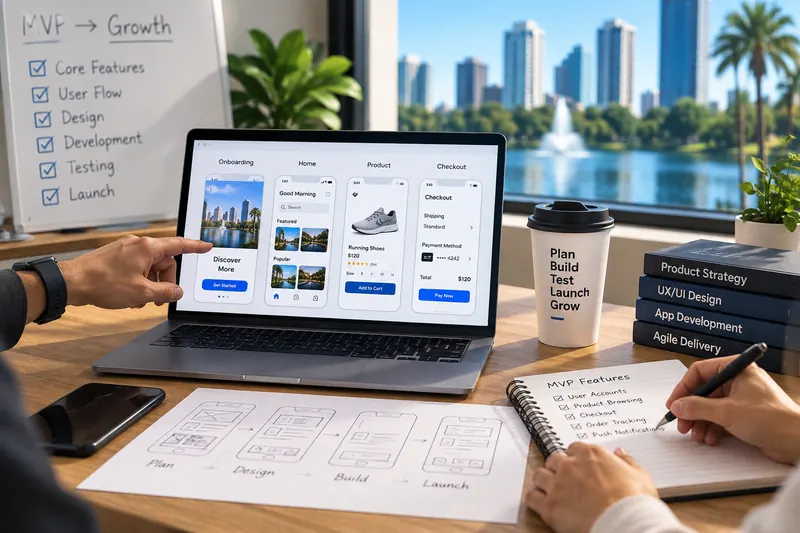
Build the First Release Around the Main User Task
One of the fastest ways to make an app project harder is to treat every requested feature as a launch requirement. A focused first version gives the team something real to test before more budget is committed to assumptions.
For example, an ecommerce app may need product browsing, accounts, checkout and order status at launch. A complex loyalty system, advanced recommendations and additional account tools may belong in later releases. The same principle applies to booking, field-service, SaaS and internal business apps.
Essential for the First Release
The functions users need in order to complete the main task the product was created for.
Important, but Not Required on Day One
Features that improve the experience but can usually wait until the core product is working.
Future Roadmap
Useful ideas that should be documented without delaying a first release built around the core user problem.
App Development for Different Product Models
Apps should reflect the way the business actually operates. The right feature set depends on the main user task, data, integrations and what has to happen before a user gets value from the product.
Customer-Facing Service Apps
Booking, accounts, service history, notifications, payments or communication features designed around a real customer task rather than simply reproducing a website.
Ecommerce & Mobile Commerce
Product discovery, accounts, repeat purchasing, order tracking, notifications and loyalty features connected to inventory, payments and the wider commerce system.
B2B & SaaS Products
Dashboards, role-based access, account data, workflows or mobile access to an existing software product where clarity matters because the underlying information can already be complex.
Internal Business Apps
Scheduling, field teams, job tracking, reporting, approvals, inventory and other repeated operational workflows where a small efficiency improvement can matter more than flashy features.
When an app serves several locations, shared brand functionality and location-specific information, availability, booking or account data should be planned centrally so each location does not become a separate technical system.
Technology Should Follow the Product
Large technology lists can show technical breadth, but a buyer still needs to know why a particular technology belongs in the project. OzoPro chooses the stack around the product requirements rather than starting with a preferred framework.
The technical discussion becomes more specific during discovery, once the required workflows, integrations and release priorities are clear.
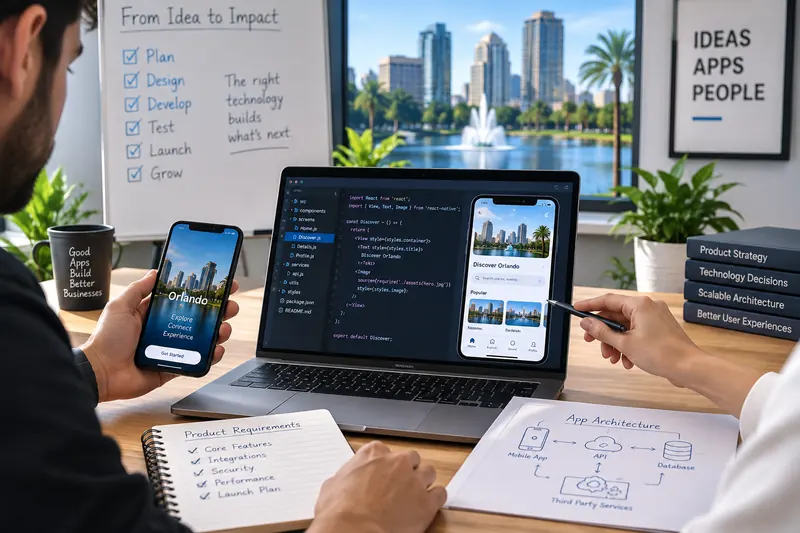
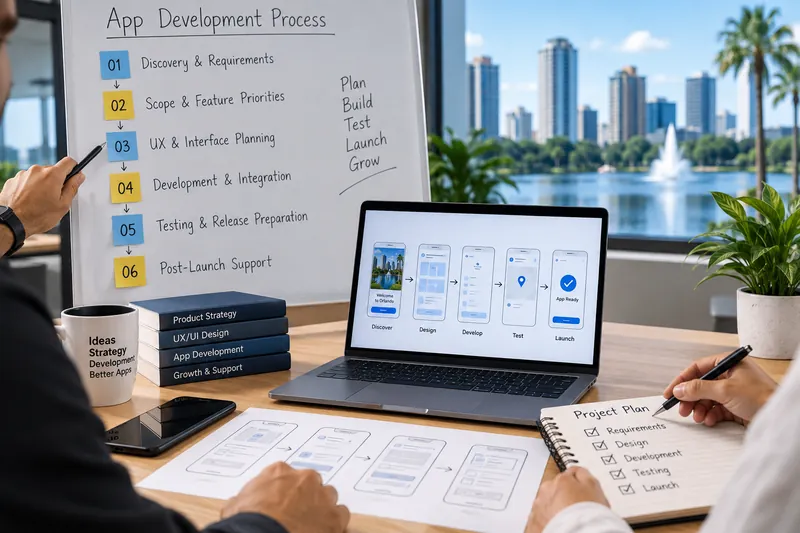
A Clear Process From Requirements to Release
A clear process gives the project room to change without turning every change into confusion. The amount of work in each stage varies, but the sequence helps keep product decisions, design and engineering connected.
Discovery & Requirements
Review the business objective, users, current systems, product idea and technical constraints before assumptions become features.
Scope & Feature Priorities
Document the main user journeys and first-release requirements, then move useful but non-essential ideas into a later roadmap.
UX & Interface Planning
Define screens, navigation and interactions through wireframes and design before development begins.
Development & Integration
Build the mobile application, backend functionality and required integrations around the approved scope.
Testing & Release Preparation
Check critical journeys across relevant devices and address App Store or Google Play requirements before release.
Post-Launch Support
Move into fixes, compatibility updates, user feedback and the next product priorities as real usage replaces assumptions.
That is a normal starting point. We can help define the first-release requirements, platform direction and integration needs before development begins.
Security, Performance and Maintainability
An app has to keep working after the launch announcement is over. Architecture decisions made early can make future fixes, updates and feature development easier or much more expensive.
Plan Access and Sensitive Data Early
Authentication, permissions, sensitive information and third-party services should be considered as part of the architecture rather than bolted on at the end.
Keep Important Tasks Responsive
Users should be able to complete important actions without unnecessary loading or delays caused by poorly planned data, media or integrations.
Keep Future Changes Manageable
The codebase, dependencies and integrations should support future releases. A product that is difficult to change becomes expensive to own even if the first version looked successful.
How to Compare App Development Companies in Orlando
If you are comparing app developers in Orlando, FL, look beyond the initial quote. A useful proposal should make product ownership, technical scope, testing and post-launch responsibilities clear before work begins.
Ask About the Product Scope
- Who defines the product scope and first-release requirements?
- Who handles UI/UX and product flows?
- Why is a specific platform being recommended?
- Is backend work included?
- Are API integrations included?
- Who performs device and release testing?
Ask About Ownership & Support
- Who controls the Apple and Google developer accounts?
- Who owns the source code and product assets?
- Is launch support part of the scope?
- What happens when requirements change?
- Is maintenance available after release?
- How will future features be planned?
Backend requirements, integrations, testing, launch support and future maintenance should be visible in the scope instead of being discovered midway through development.
Why Businesses Work With OzoPro for App Development
Product planning, design, development and integrations stay connected so the app is not treated as a collection of isolated screens and technical tasks.
Product Decisions Before Development
Start with users, workflows and first-release requirements instead of jumping directly into screens and code.
iOS, Android & Flutter Capability
Choose the platform that suits the product instead of forcing every application into one technical approach.
Design and Development Stay Connected
Make UX decisions with development requirements in mind so a polished prototype still translates into a workable product.
Integrations Are Part of the Scope
Consider websites, APIs, payment systems and existing business tools while the application is being planned.
Support Beyond Launch
Plan compatibility updates, fixes and product improvements according to what the app needs after release.
No Fixed Framework Bias
Use technology because it supports the product requirements, not because the same framework is easier to sell to every client.
App Development Cost and Timeline in Orlando
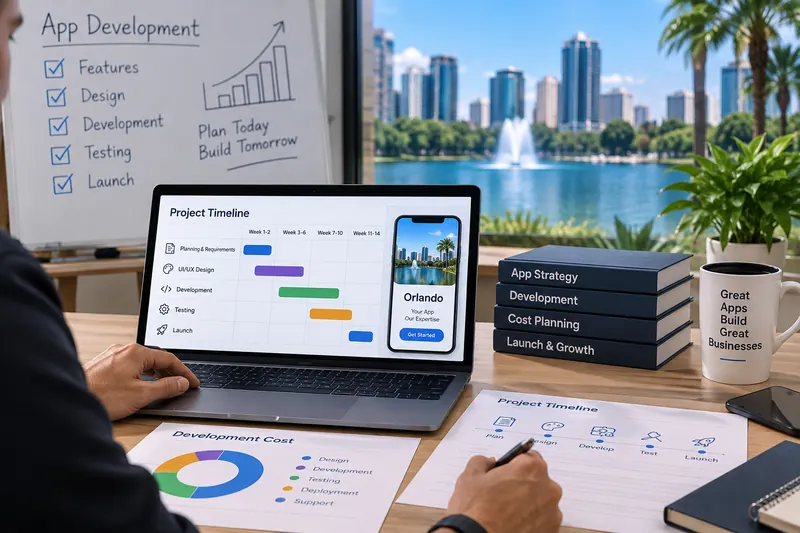
There is no useful flat price for app development because two apps with a similar number of screens can require very different amounts of work. Cost is usually affected by platform coverage, native or cross-platform development, user roles, custom UI, backend complexity, APIs, payments, location functionality, notifications, admin tools, migration, testing and ongoing support.
Timeline depends on many of the same factors. A focused first release with clear requirements can move much faster than a product with several user types, complex integrations and a large feature set.
The most useful estimate comes after discovery, when the team understands what the application needs to do rather than only how it should look.
Mobile App Development Case Studies
These examples come from OzoPro's existing app-development work and cover different product needs across healthcare, ordering and field-service workflows. They are not presented as Orlando-specific client results, and no unsupported download, revenue or app-store metrics are added.
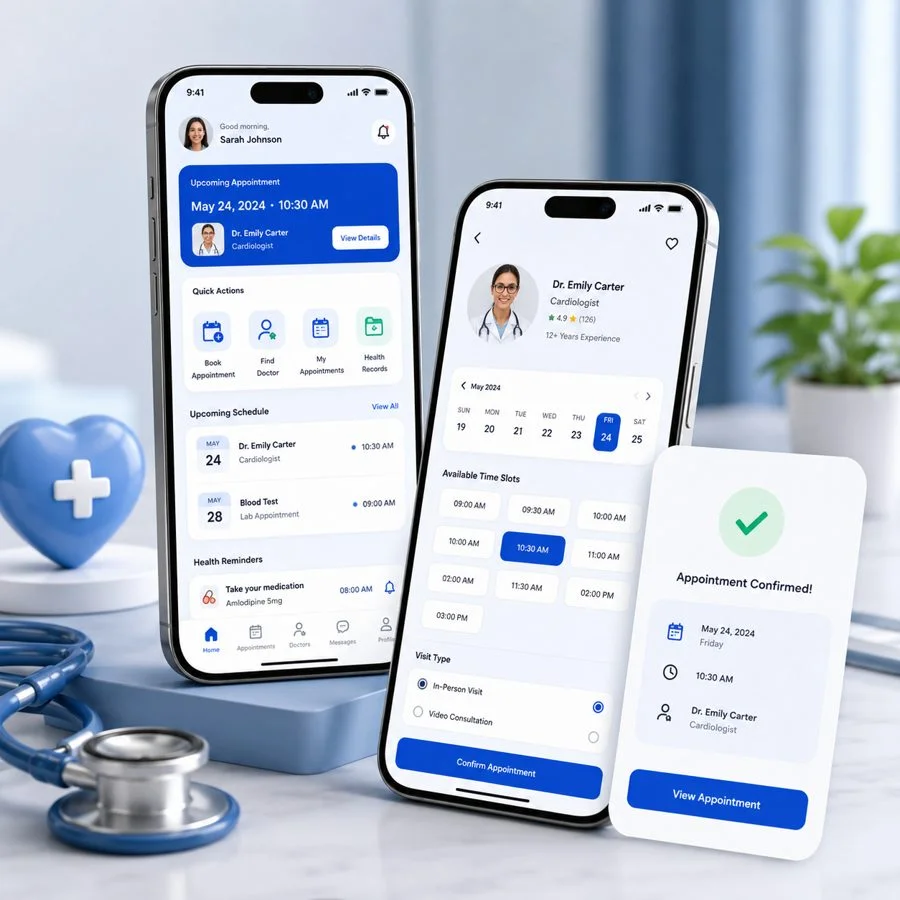
Healthcare Appointment Booking App
OzoPro planned a patient-facing mobile experience around appointment booking, provider profiles, intake forms, reminders and secure account access.
- Appointment journey from provider search to confirmation
- Patient profile, reminders and intake-flow structure
- Mobile-first screens designed around healthcare usability
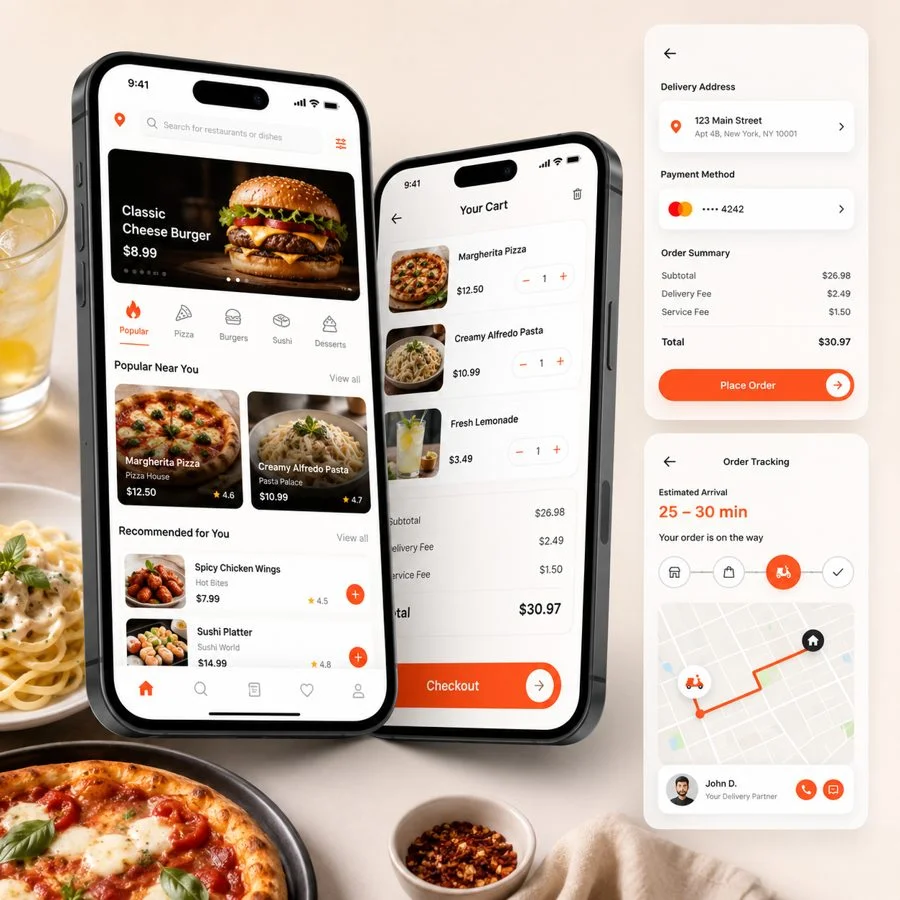
Restaurant Ordering and Delivery App
OzoPro structured a mobile ordering experience for menu browsing, item customization, cart management, checkout, order tracking and restaurant-side workflows.
- Menu, add-ons, cart and payment-ready mobile screens
- Order-status flow for customers and restaurant teams
- Notification structure for delivery updates
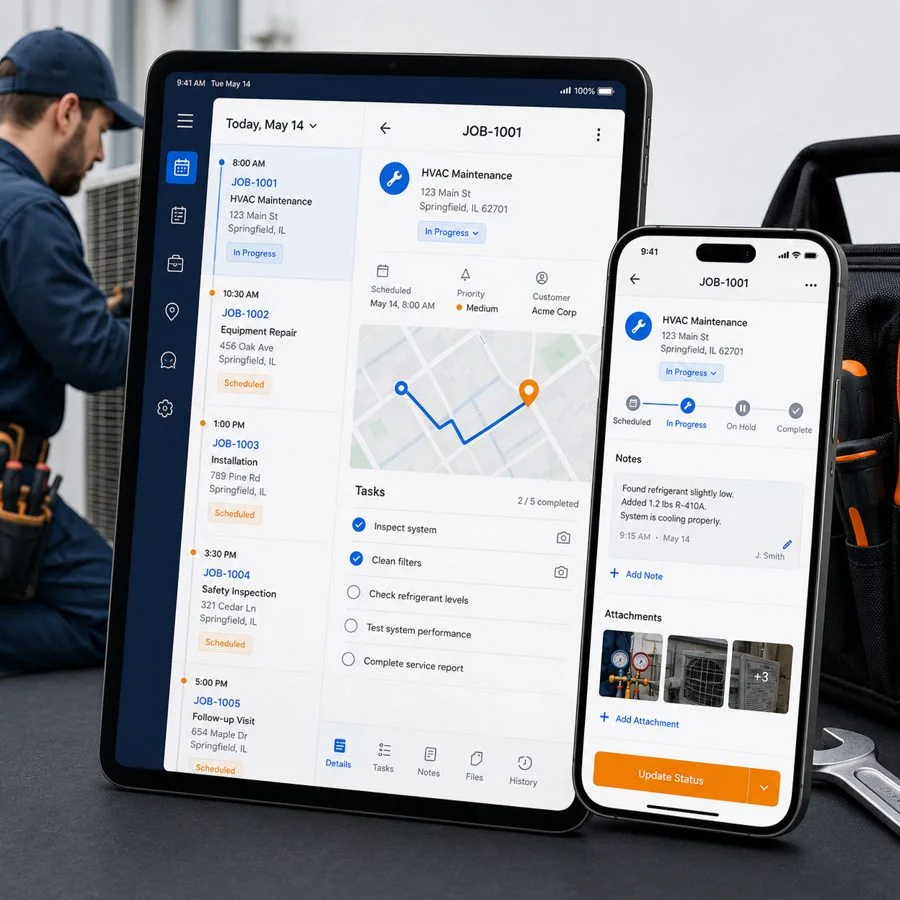
Field Service Job Management App
OzoPro shaped a practical business app around job scheduling, technician assignment, task status, notes, photo uploads and field activity.
- Technician-friendly task and schedule screens
- Status updates, notes and photo-upload workflow
- Admin-ready structure for dispatch and reporting
We can compare your product idea with similar planning, UX and development requirements before the first release is scoped.
What Businesses Say About Working With OzoPro
Feedback already published on OzoPro's app-development service page, focused on product scope, platform decisions and launch planning.

“The discovery process saved us from building too much too early. We launched an MVP first and had a clear roadmap for version two.”

“They helped us choose Flutter instead of two native builds, which kept the project within budget and got us live on both stores.”

“The app launch plan mattered just as much as the build. We had tracking, ads, landing pages and support ready when we went live.”
App Development in Orlando Questions
Clear answers about mobile app development, platform choice, integrations, cost, timelines, ownership and post-launch support.
Build the App Around the Job It Needs to Do
You do not need the longest possible feature list to start an app project. You need a clear user problem, the right platform, a sensible first release and a development scope that everyone understands before work begins.