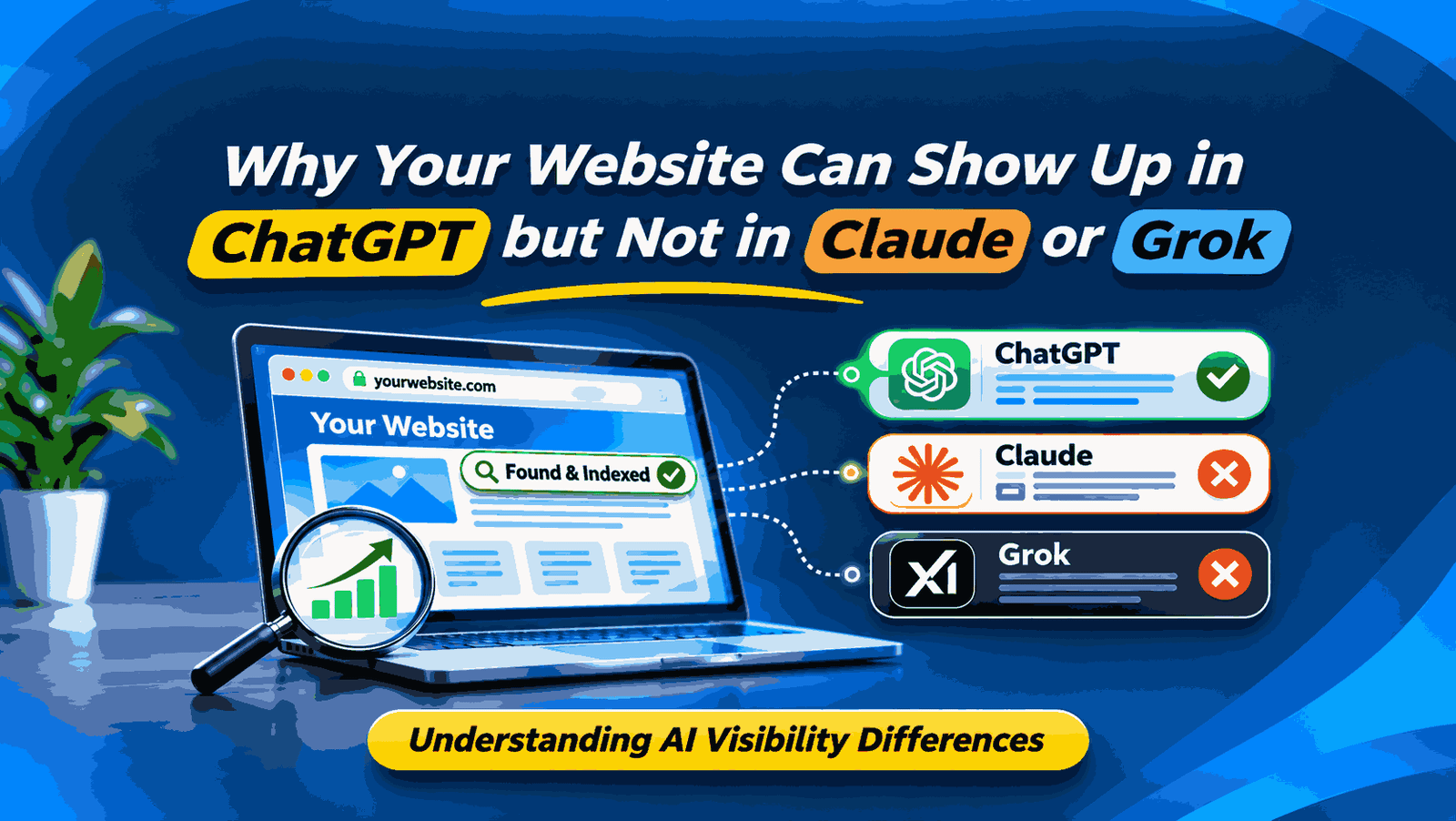
You ask ChatGPT which companies offer a service in your area. It links to your website. Claude answers the same question with a trade directory, and Grok names another provider. Before you rewrite your site, find out what each tool actually cited and whether those sources answer a detail your page leaves out.
The quickest way to narrow it down is to repeat the same buying question in fresh chats, check whether web search ran, and open the cited pages. Start with a question a buyer would ask before they know your name. Then run a separate branded question to see whether the tools describe your business accurately.
Check what actually appeared in the answer
What you see | What to record |
Your company is named | Record a brand mention. Check whether the answer simply lists you or actively recommends you. |
The answer cites a directory or publication that mentions you | Record the third-party URL. Open it and check which facts it supports. |
The answer cites a page on your domain | Record the exact URL and the statement it supports. |
Your company is absent | Record the result for that prompt. Repeat the test and check whether web search ran. |
Open the citation even if the source looks familiar. For example, a software buyer might get your brand name from an old comparison article that lists an integration you no longer support. That is a source accuracy problem. It needs a different response from a run where your brand never appears.
Why the same prompt can surface different sources
Start by checking the search mode. A response grounded in web search gives you sources to inspect. If you cannot confirm that search ran, record that run separately. OpenAI explains how to inspect citations and the Sources panel in its ChatGPT Search guide. Anthropic describes live web search in its Claude Help Center. xAI documents separate Web Search and X Search tools for its API. Record what your Grok interface actually shows when you run the prompt. See xAI’s tool documentation.
Then look at what the question requires. Imagine a buyer asks which payroll systems support multi-state payroll. One answer may cite a vendor’s support page for a feature detail. Another may cite a buyer’s guide that compares several products. Open the citation and identify the fact it supplies. That tells you what your page would need to explain if you want it to be a useful source for that question.
There is published evidence that source lists can differ sharply. In a 2026 observational preprint, Benjamin Tannenbaum ran 15 fixed commercial prompts across ChatGPT, Microsoft Copilot, Google, and Perplexity and recorded 589 citation observations. In that sample, 84.9% of same-prompt engine pairs shared no exact cited URL. The study covered those four services. A ChatGPT, Claude, and Grok comparison requires its own runs.
Run a comparison you can repeat
- Pick one branded question, one unbranded buying question, and one about a feature or service constraint customers ask about. Use questions a real buyer would ask in your market.
- Run each question in a fresh chat on ChatGPT, Claude, and Grok. Keep the wording fixed. Put the U.S. city or market in the prompt when it matters, and record the model, date, interface, and whether web search was used.
- Log whether your brand was mentioned, whether it was recommended, and which URLs were cited. Save the answer and open the URLs to check what they support.
- Repeat the runs in the same testing window. If the answer changes, record both outcomes. Compare individual prompts before drawing a conclusion about the whole site.
Three prompts to adapt for your business
What you want to test | Example prompt |
Whether the answer gets your business facts right | What services does [business name] offer in [city or market]? |
Which providers appear before a buyer knows your name | Which commercial HVAC contractors offer emergency service in Dallas, Texas? |
Which sources support a specific buying requirement | Which payroll providers support employees in both California and Texas, and where can I verify that? |
Use one row per answer in your log. Record the prompt, platform, model, date, whether search ran, brand mention, recommendation, and cited URLs. A directory citation and a link to your own domain belong in separate columns. If your site appears in one of two runs, record one citation in two runs for that prompt.
Decide what to fix first
Check whether search crawlers can reach the relevant page
Start with the specific URL you expected to see. Open it while signed out, verify the main information appears, and check whether a login, redirect, or security challenge gets in the way. Ask whoever manages your site to check crawler access and server logs if you suspect a block. OpenAI documents OAI-SearchBot for search, and Anthropic documents Claude-SearchBot for search. Check the search crawler separately from the training crawler before changing your rules.
If the page opens in your browser but verified search crawler requests are getting blocked, include the affected URL and a recent log entry in a technical SEO check. That gives the person investigating a specific request to trace.
Compare your page with the sources the answer used
Ask what a buyer can verify on each cited page. A Dallas HVAC directory might show which contractors offer after-hours service, while a contractor’s homepage only says “commercial HVAC.” If your team takes emergency calls, state the hours, service area, and how customers reach dispatch on the relevant service page.
The same check works for other businesses. A software company can put supported integrations in its public documentation. An online store can make shipping exclusions visible on its delivery page. If a third-party source has the facts wrong, send the publisher the correction and the page that confirms it.
Retest after a specific change
Keep the original prompts and citation log. If you fix a blocked service page or make its coverage clearer, rerun the same questions and compare what changed. A later citation is worth tracking. Several changes can happen between runs, so keep the explanation within what you observed.
Frequently asked questions
How do I tell whether an AI answer cited my homepage or a specific page?
Open the citation and record the final URL after any redirect. A link to your homepage and a link to your service page count as citations to your domain, but they tell you different things about which content the reader can verify.
Does ranking on Google mean Claude or Grok will cite my page?
Google visibility and citations in an AI answer are separate observations. Run the search-enabled comparison for the same buying question and inspect the cited URLs to see what each answer used.
Will adding llms.txt fix missing citations?
Start with the affected page and the platform’s published crawler guidance. For AI Overviews and AI Mode, Google says there are no extra technical requirements or special AI files. For the tools in this guide, check what each one actually retrieved and cited before treating a file change as a fix.
Can a crawler reach my page and still leave it out of the answer?
Yes. Access lets the tool retrieve the page. The answer may cite another source that supplies the detail requested, such as current pricing or a supported integration. Check crawler access and citation selection separately when diagnosing the gap.
Why did my citation disappear when I repeated the same prompt?
Check whether the model, search mode, or sources changed between runs. If the settings match, keep both results in your log and measure how often your site is cited over several fresh chats.
Get help checking why your website was missed
If customers can find your competitors in AI answers and you’re unsure where to start, OzoPro can review the prompts buyers use, the sources they see, and the pages you expected to appear. Our AI search visibility work looks at crawl access, page content, and business information so you can prioritize the checks that fit what you’re seeing.
Ask OzoPro to review your AI search visibility. Start with your website URL and one question a customer would ask. If you have a screenshot or cited link, include it so we can see the same example you saw.
The OzoPro team publishes practical guides on SEO, paid search, content and website development to help businesses make informed marketing decisions.